Repeatedly uploading the same model, outfit, and background slows down production and makes consistency harder. My Assets keeps approved elements in one reusable library.
My Assets is a library that lets you save the outfits, models, and backgrounds you use most, then pull them up again whenever you need them.
Save once and you’ll never re-upload — just pick them straight from your library when generating a lookbook or product shot. It really shines when you reuse a lot of images, or when a team needs to share the same assets!
Who’s this for? 👀
- Anyone tired of uploading the same images over and over
- Users wanting to manage seasonal or campaign assets in one place
- Teams or brands sharing the same content assets across people
What you can manage in My Assets 🧰
You can organize images by type for any generation work.
| Image type | How to add |
|---|---|
| Outfit | Upload directly |
| Model | Upload / Create from scratch / LaonGEN recommended models |
| Background | Upload / Create from scratch / LaonGEN recommended backgrounds |
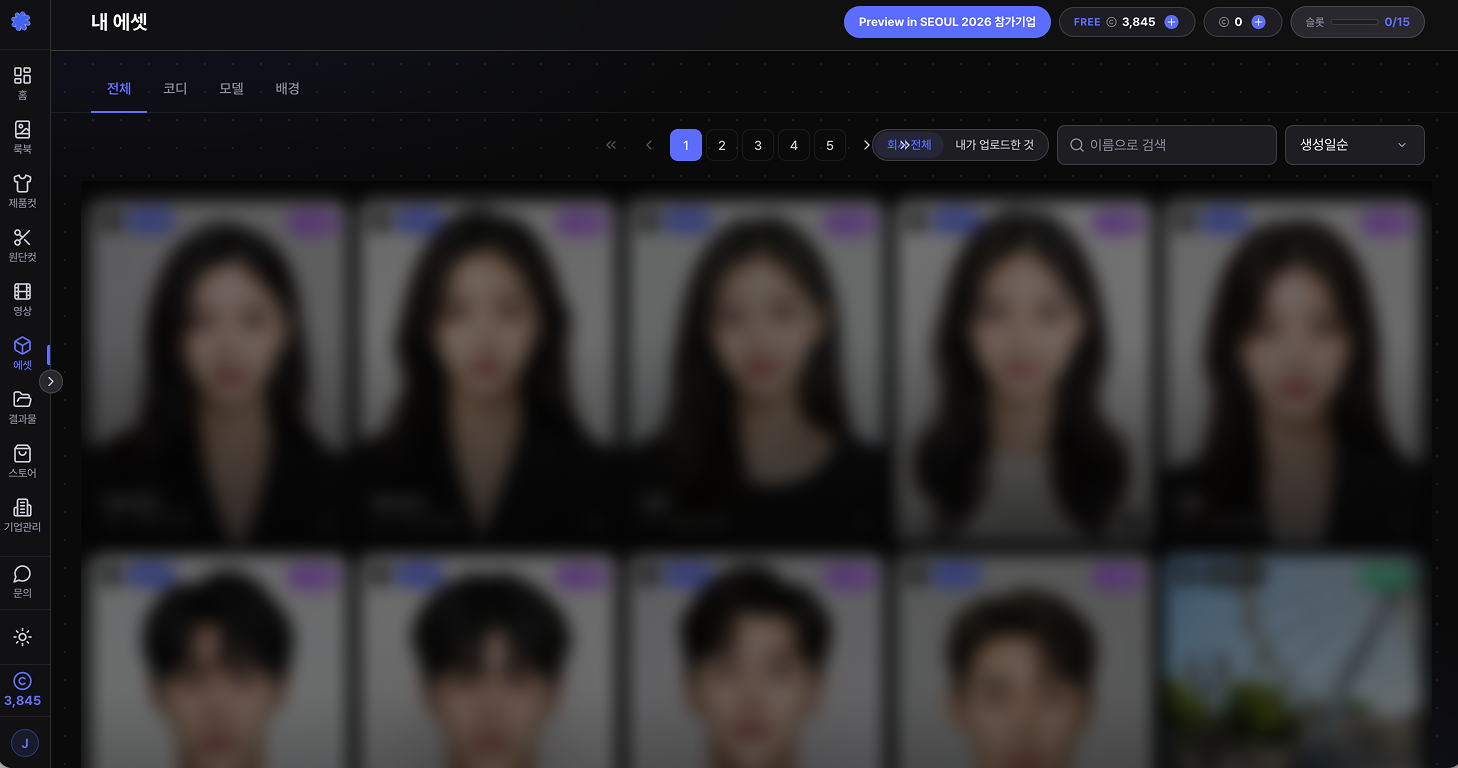
Key features
1. Browse by image type 📑
The top tabs let you view saved images by type.
- All
- Outfit
- Model
- Background
Pick a type to see just those images, so you can find the asset you need fast.
2. Favorite the ones you use most ⭐
Add frequently-used images to Favorites.
Click the favorites icon on any image to add it, then use the filter to see only your favorites.
Keep your go-to models, backgrounds, and outfits in Favorites and you’ll find them in a tap.
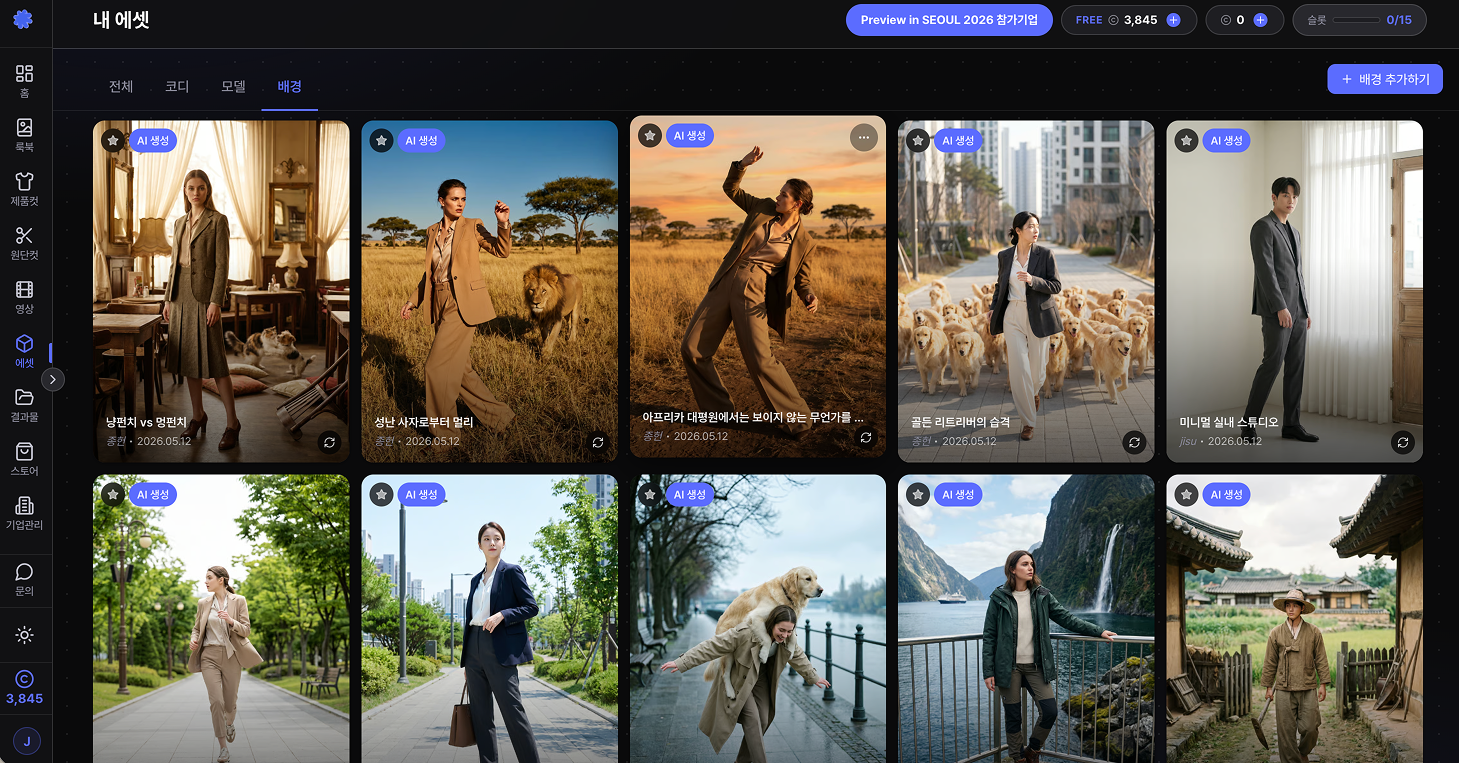
3. Share assets as a company 🤝
On a company account, you can manage assets as a team.
Switch between company-wide images and your own uploads, and treat models, backgrounds, and outfits your team uses as shared assets.
For brands reusing the same content assets across people, this is a huge efficiency win.
How to use My Assets
1. Pull saved images into the generation screen 📤
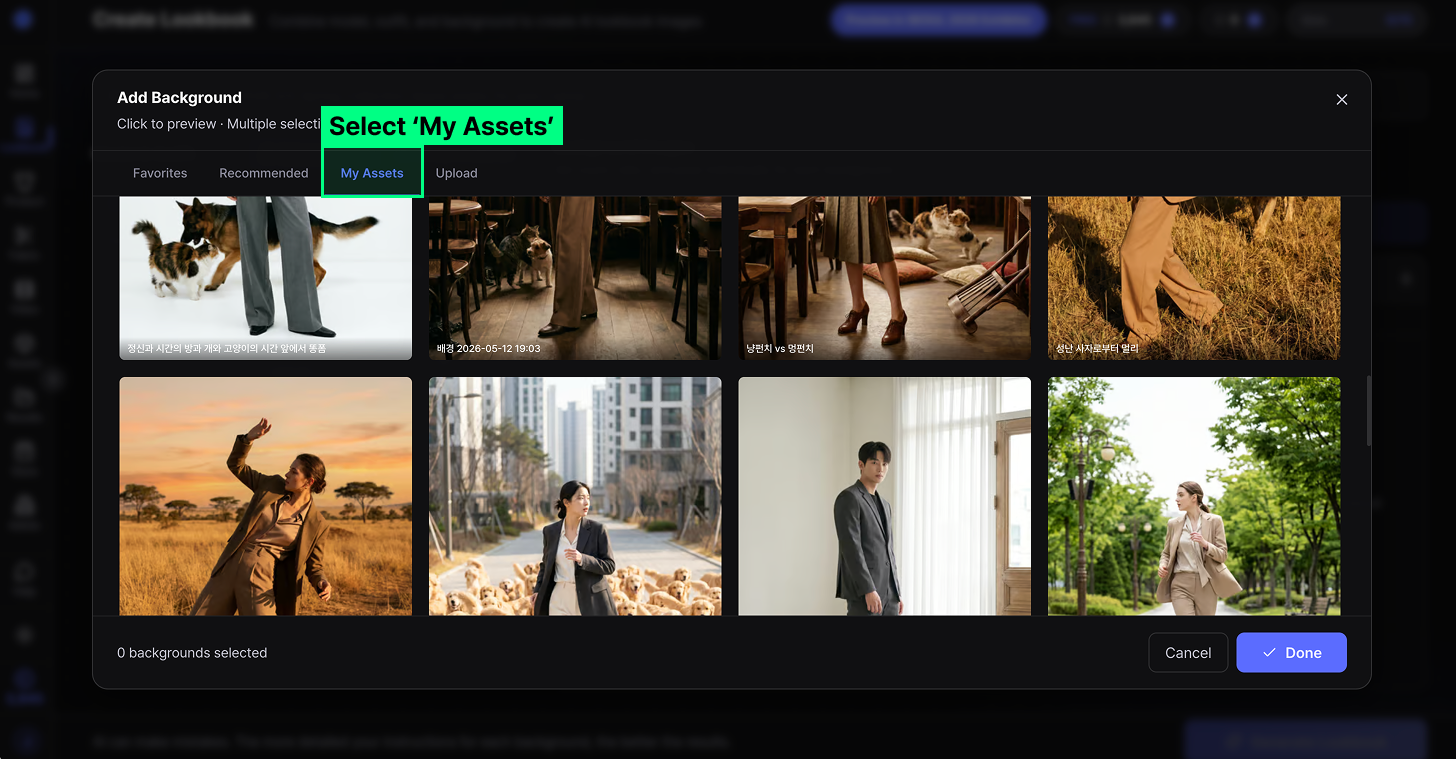
In any generation screen (lookbook, product shot, etc.), you can load images straight from My Assets.
In the Model / Background / Outfit selection modal, switch to the My Assets tab and your saved images show up at a glance.
2. Register your repeat-use images up front 🗂️
For images you’ll reuse, register them in My Assets first. The more repeat work you do, the less time you spend re-uploading.
These are especially worth saving:
- Brand-exclusive model images
- Frequently-used background images
- Signature seasonal outfits
- Product images used in repeat generations
3. Use your custom-made models and backgrounds ✨
Models and backgrounds you create yourself in LaonGEN can also be added to My Assets.
If the recommended models or backgrounds don’t fit, use Create Model or Create Background to generate new ones, then manage them from My Assets.
The images you create are ready to pull into future lookbook generations.
Related guides 📚
Organize your assets once and every lookbook after gets faster. Ready to set up My Assets? 👇