
Latest Articles
Catch the newest posts first.
LaonGEN Examples
Real results made with LaonGEN — sources and prompts.
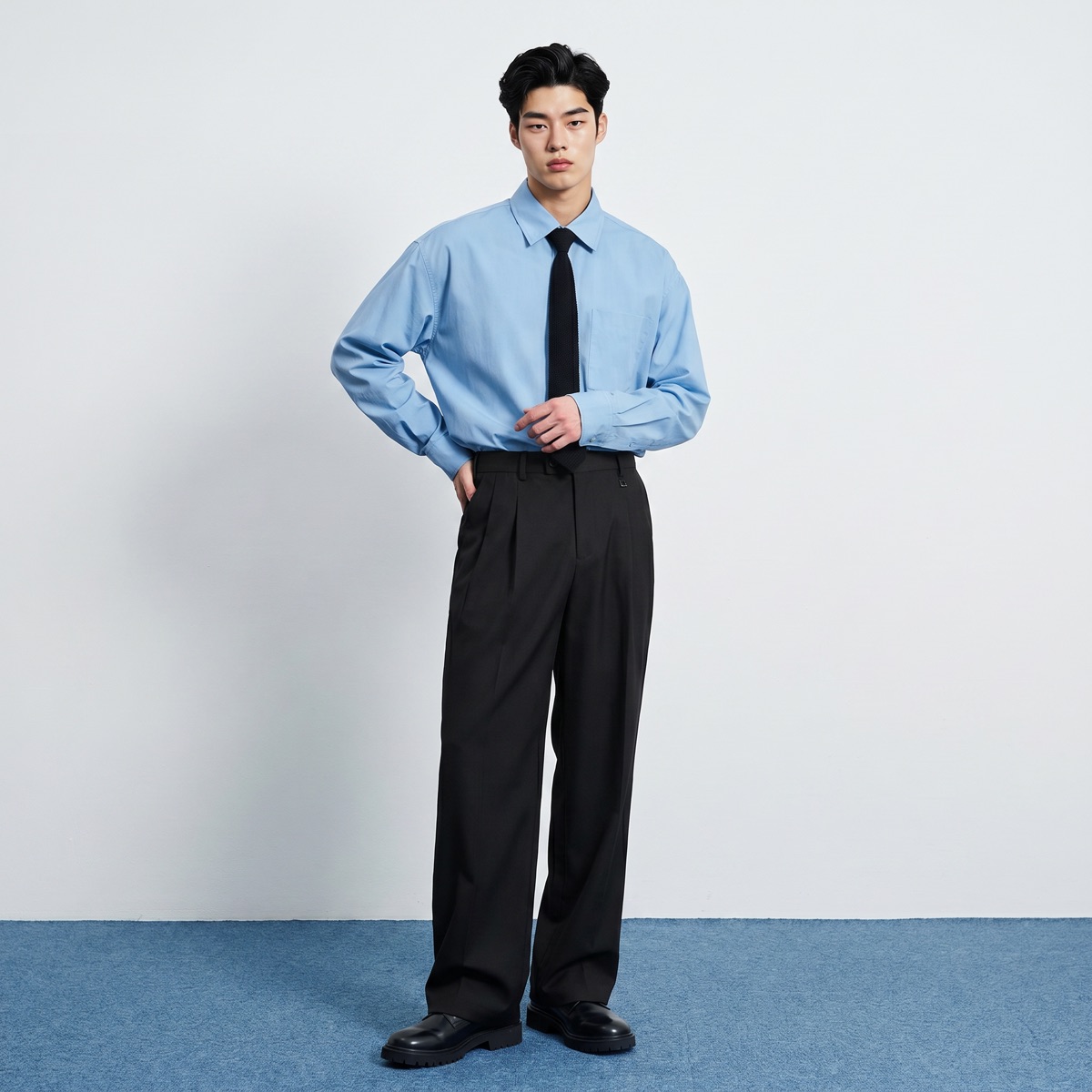
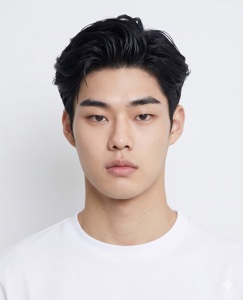
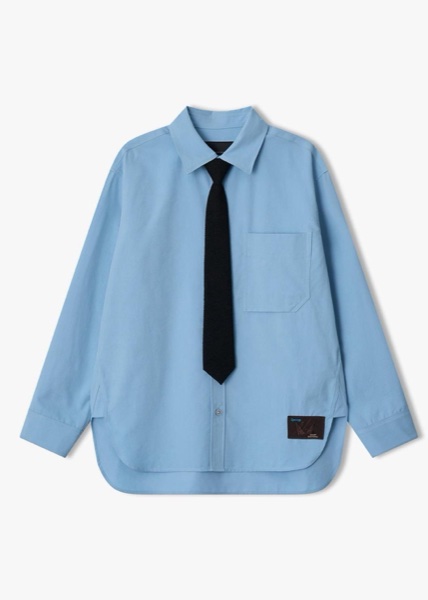
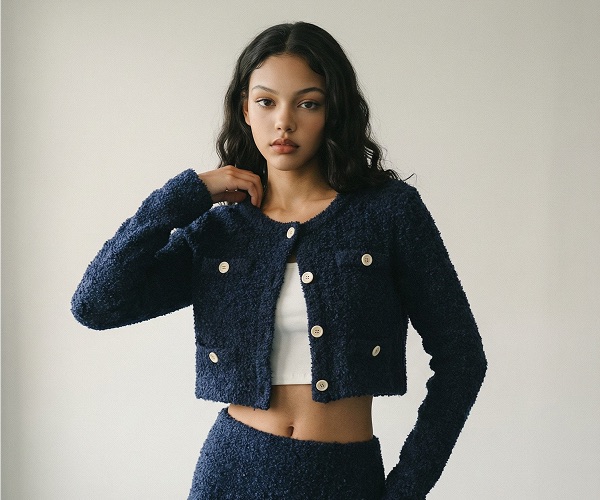
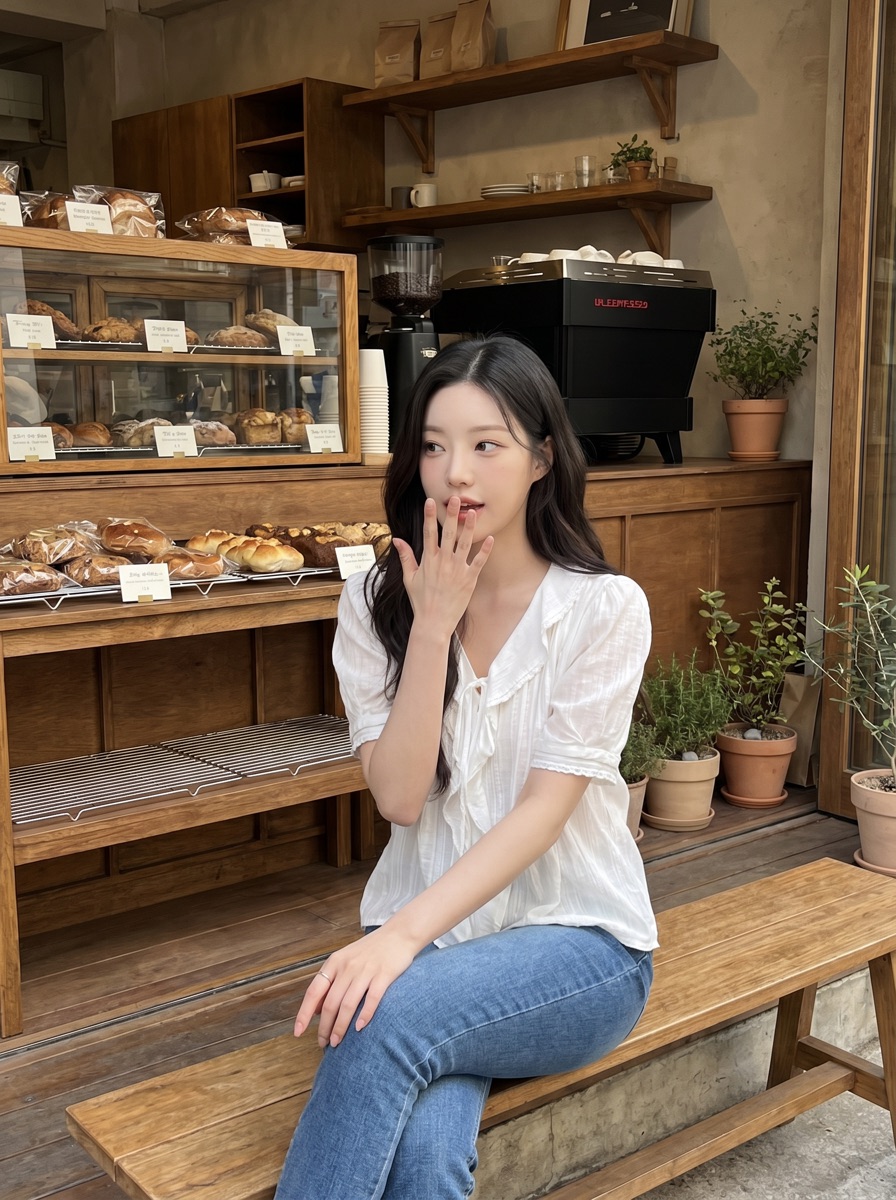
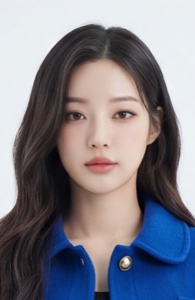
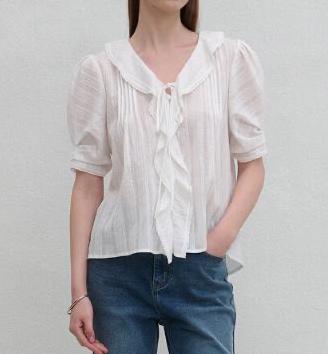
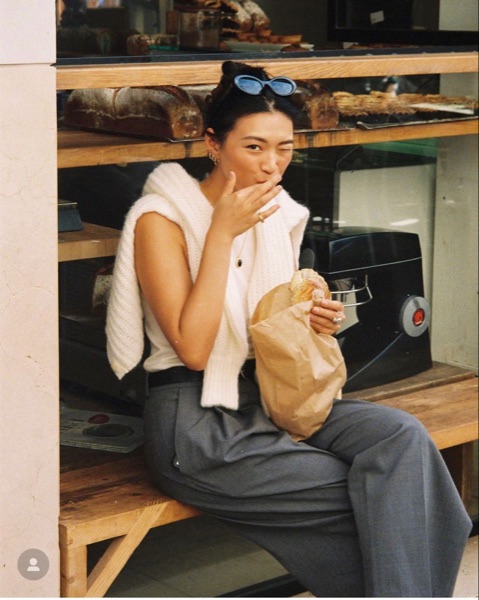
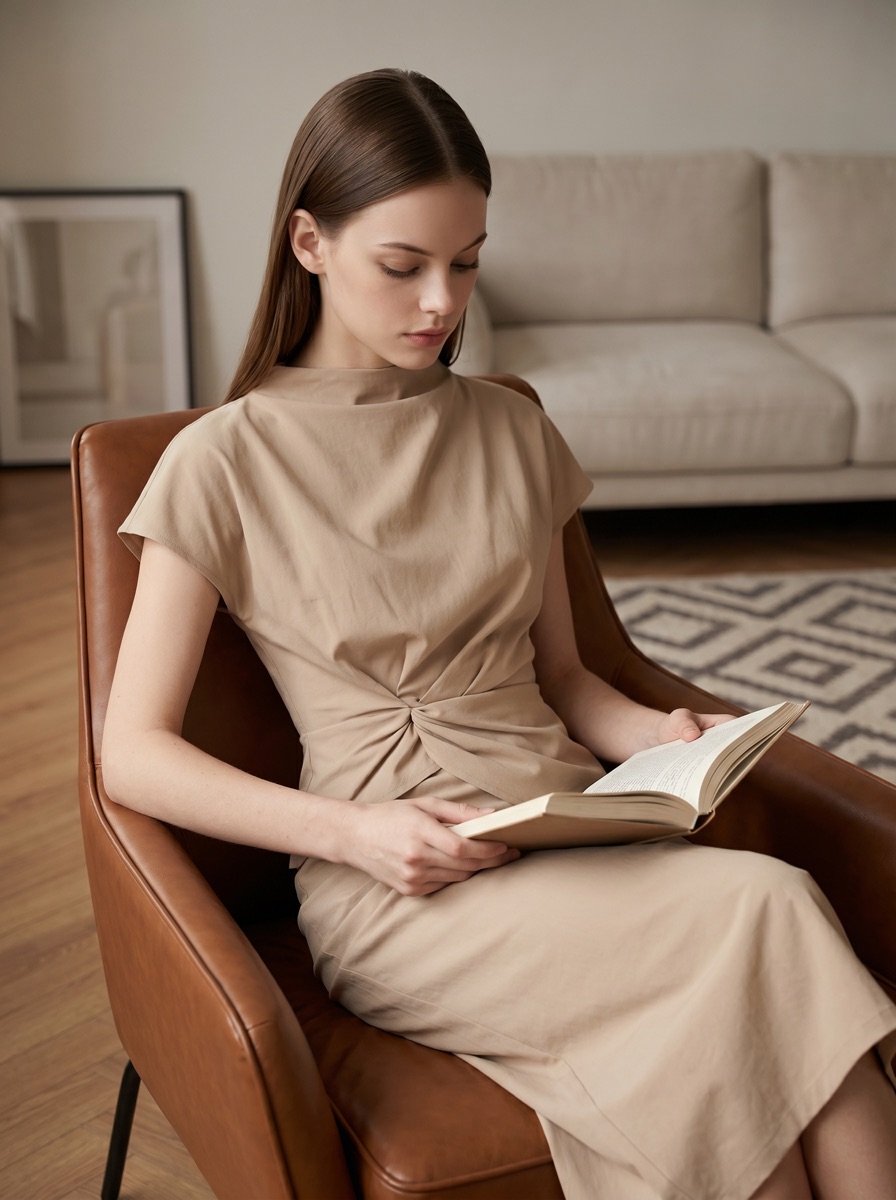
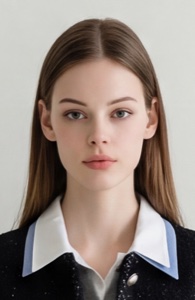
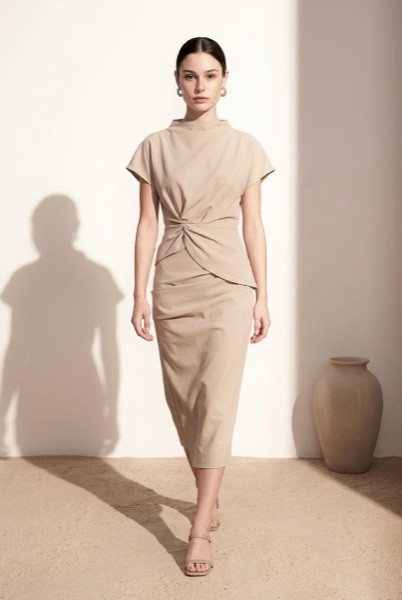
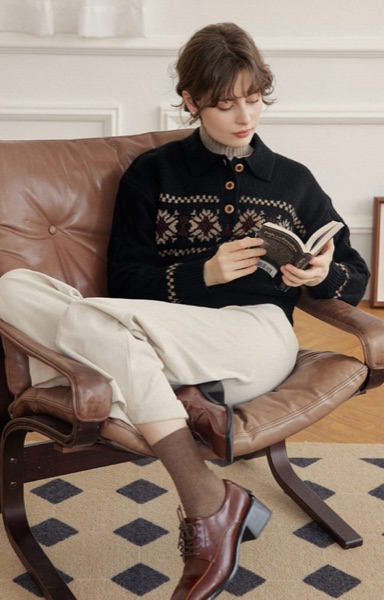
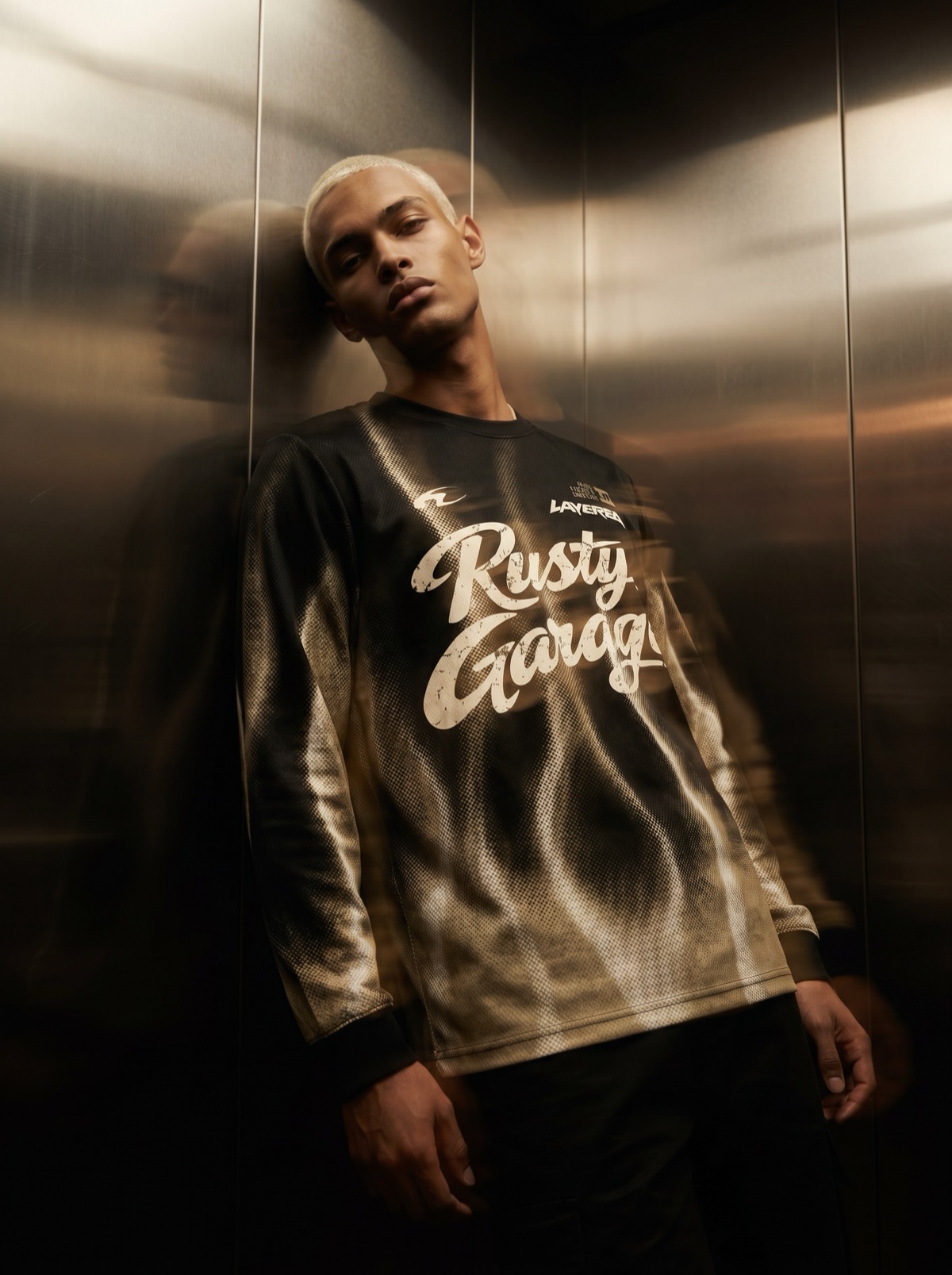
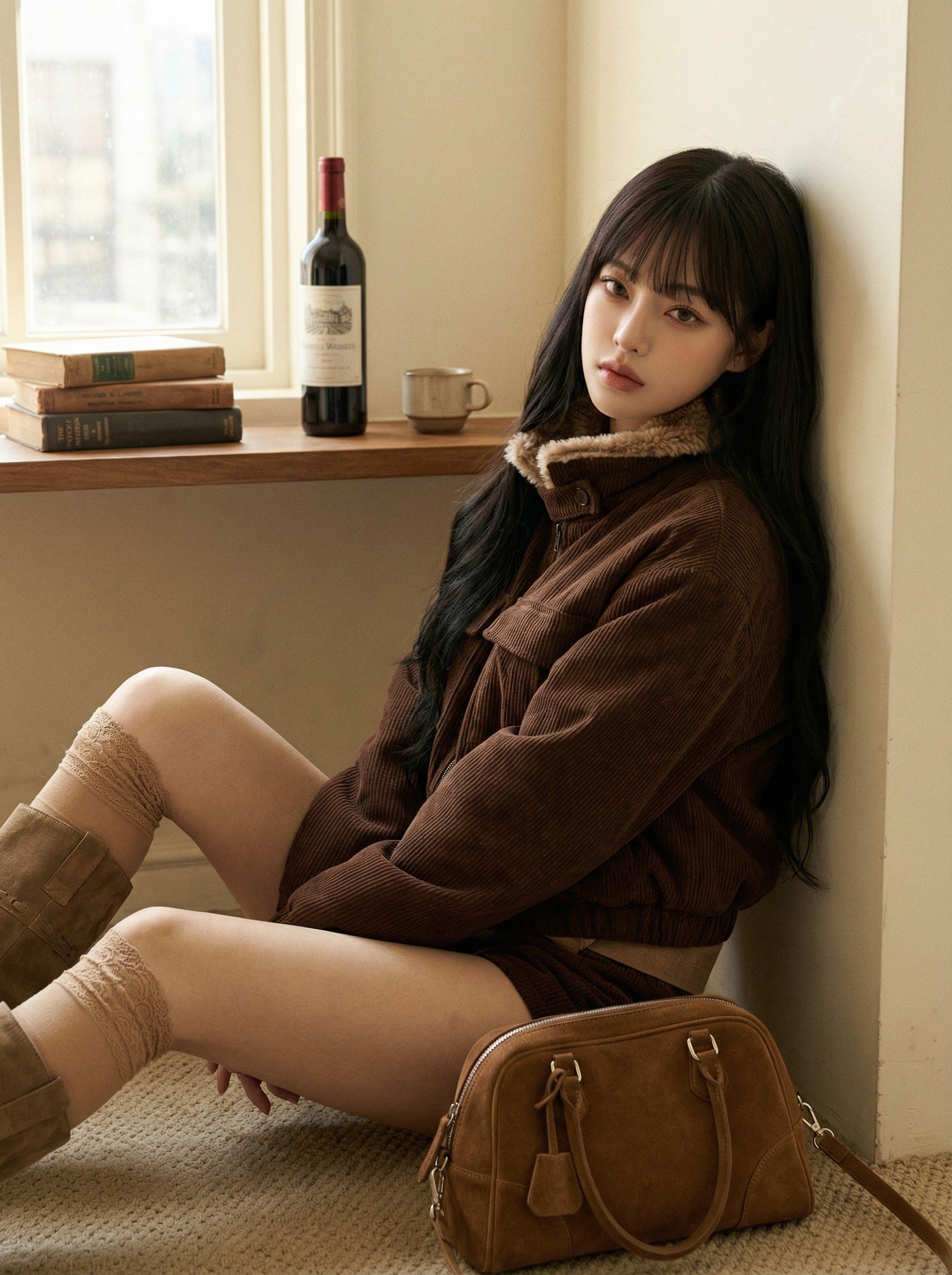
A Detail Page Template You Can Reuse for Every New Arrival
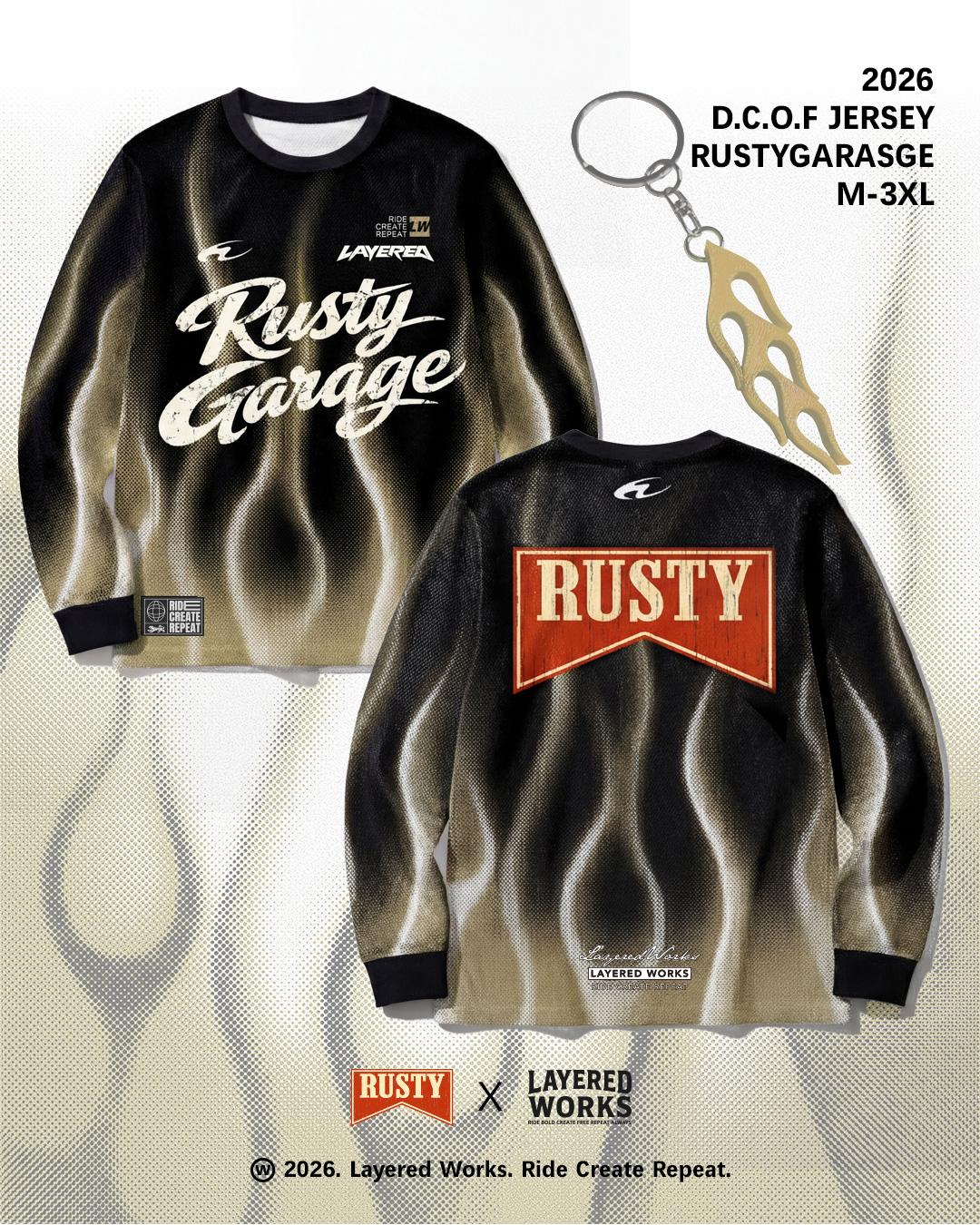
Stop designing each product detail page from scratch. Fill a LaonGEN Canvas template with your photos and text, then generate the images. Carousels and banners too.
Make Reels with AI Motion Graphics — Product Photos Are All You Need
Turn product photos into AI motion graphics for Reels and Shorts. Compare three ways to make them, then build a 15-second promo video from a fashion template.
Coupang Listing Fit Photos — A Same-Day Routine That Meets Spec
A same-day routine for Coupang listing images: fix two condition sets (white-background listing spec and store tone), keep one model, swap only the garment for the next product, and check tone against a reference cut.
Fill Every New Arrival with On-Model Shots — No Photoshoot
How online clothing shops fill on-model shots for every new arrival without a photoshoot: one product photo, one fixed model face, edits for color and length, cutouts from the same photo, and a five-point check before uploading.