
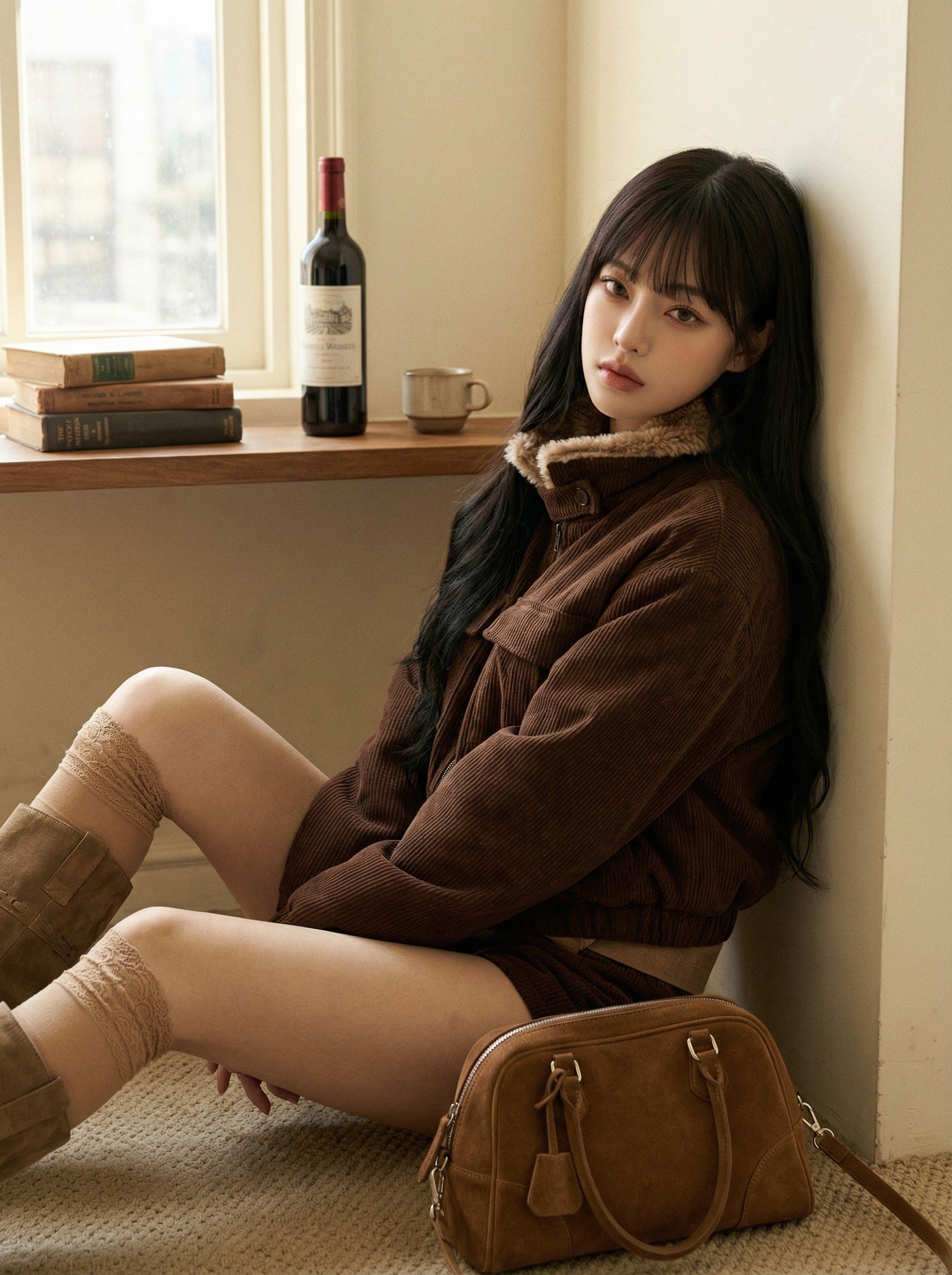
Coupang Listing Fit Photos — A Same-Day Routine That Meets Spec
A same-day routine for Coupang listing images: fix two condition sets (white-background listing spec and store tone), keep one model, swap only the garment for the next product, and check tone against a reference cut.
Fill Every New Arrival with On-Model Shots — No Photoshoot
How online clothing shops fill on-model shots for every new arrival without a photoshoot: one product photo, one fixed model face, edits for color and length, cutouts from the same photo, and a five-point check before uploading.
Kidswear On-Model Shots Without a Child Photoshoot
How to make kidswear on-model shots without a child photoshoot: build an AI child model by age band and gender (no likeness or consent issues), then swap only the garment for every product in the season. Instruction text, four-angle horizon shots, and a five-point check.
Team and School Uniform Mockups Without a Photoshoot
How to make team and school uniform mockups without a photoshoot: fix the combinations and change only the color, handle crests and lettering separately, use Horizon Lookbook for back views, and check five places.
Bag and Shoe On-Model Shots That Show True Scale
A cut-out does not show how a bag, shoe or scarf sits on the body. How to write the wearing method and body position into the instruction, what the results did with composition instructions, and four checks. One cut-out is enough to start.
How to Build an Instagram Feed Row from One Fashion Image
One finished cut, expanded into a series of scenes, can fill an Instagram feed row, round out an editorial set, or supply keyframes for a short video — all while keeping the same model and outfit. Here are the three ways to put Expand Image to work.
How to Crop Garment Photos for Better AI Results
Odd faces and mismatched garments in your lookbook results often trace back to the input photo, not the prompt. Three crop habits that clean up garment inputs and cut down on generation errors.
How to Improve Model Proportions in AI Fashion Images
A model's proportions come from the face and garment photo, not the prompt. Here's why that happens, and how to prep a face in My Assets for the build you want.
How to Choose an AI Model for Your Fashion Brand
The same clothes can read editorial or fall flat depending on the model. How pretty faces and distinctive faces set different moods, how to find the model that fits your brand, and how to grow that face into an IP asset — Instagram feed included.
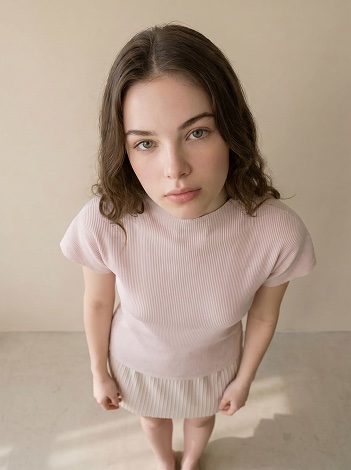
How to Turn One Fashion Image into Multiple Variations
From changing the angle to swapping bottoms and props, changing the pose, and recoloring hair — practical ways to spin one shot into many with Edit.
How to Build a Fashion Product Detail Page
Plan the order, purpose, and production method for hero, on-model, detail, and trust-building images on a fashion product page.
Background Remover for Product Photos: Free Tools vs AI
From free background removers to white-background marketplace rules, fixing cutouts that go wrong, and going past the cutout into product and on-model shots. Background removal for sellers, weighed on cost and time.
The Same Item Sells or Stalls on the Cut — Match the Shot to the Slot
The cut that earns the click in a thumbnail, the cut that builds trust on a product page, and the cut that sells a mood in an ad are not the same. How to pick the right product cut by placement and pull the best one from a batch.
Make One Cutout Garment Look Like Your Own Brand
Wholesale buyers and resellers all use the same supplier photos, so their product pages look identical and only price competition is left. Turn that one cutout or flat garment into an on-model shot with your model and your mood, and the same product starts to look like your brand.
Validate a Fabric as a Garment Before You Sample It
Samples cost money and time, and you only learn whether a fabric works as a garment after you've paid for one. Here's how to preview the finished look from a single fabric image and make the call before you commit to a sample.
Virtual Try-On vs AI Lookbook — Which Tool Do You Need?
Virtual try-on lets shoppers see clothes on themselves. AI lookbooks let sellers create on-model shots without a photoshoot. We compare the two so you pick the right tool.
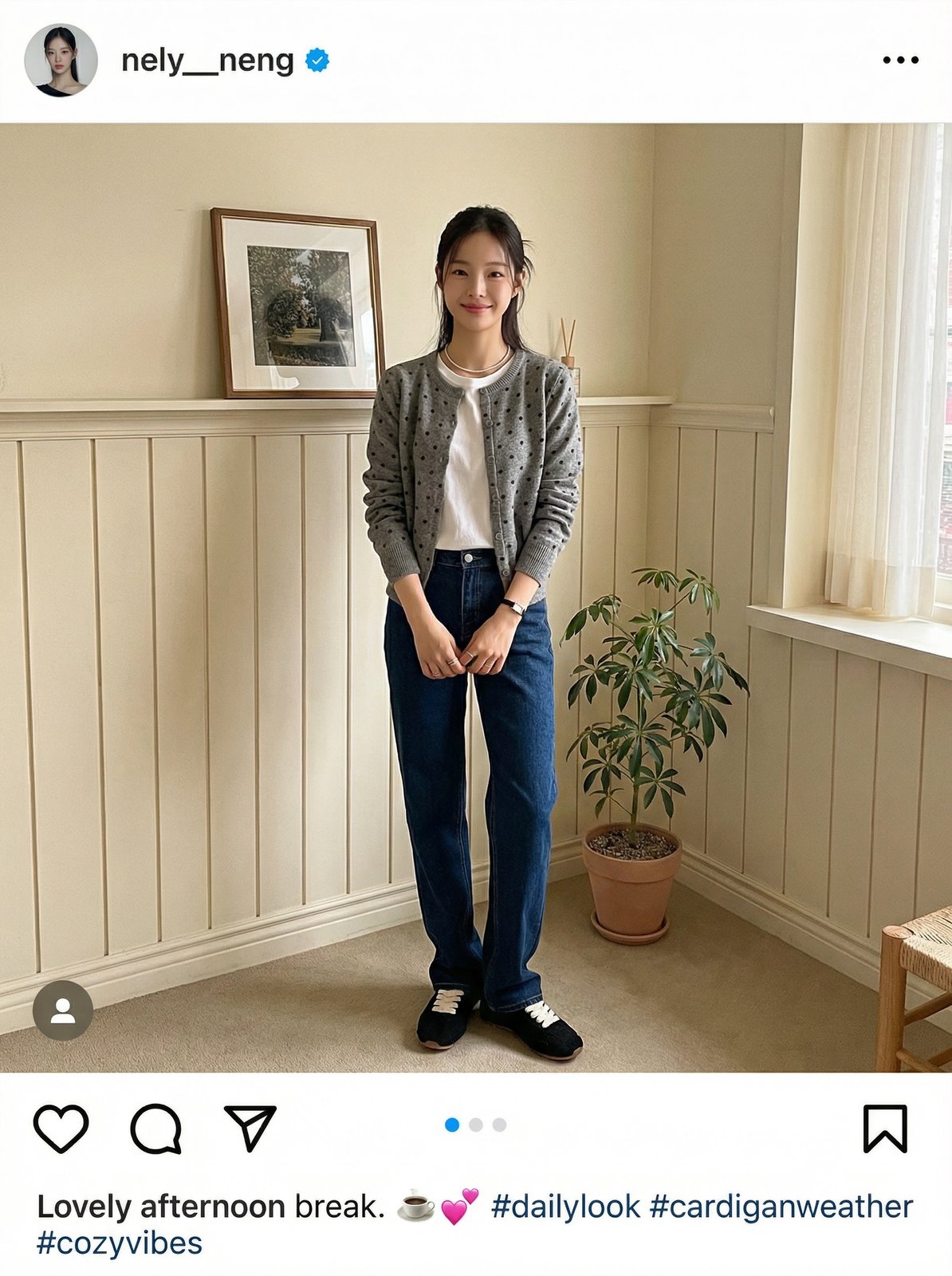
How to Build an Instagram Fashion Feed with AI
Use an AI clothing model generator to combine multiple items into styled outfit photos. Two coordination sets, eight cafe-mood results — no product photography with models needed.
Combine Separate Clothing Photos into One AI Look
No full-outfit photo needed. Upload top, bottom, and shoes separately and this AI clothing model generator combines them into one styled lookbook. Three input methods for virtual clothing model photography compared.
How to Make an AI Lookbook — Turn Product Photos into On-Model Shots
Learn how to use an AI fashion model generator to turn flat product photos into professional lookbooks. Step-by-step tutorial covering signup, virtual clothing model selection, background settings, and download.
How to Turn Product Photos Into On-Model Shots — 2026 Guide
Five methods to convert flat lays, hanger shots, and mannequin photos into on-model lookbook images — from DIY composites to AI generation.
Lookbook Photoshoot vs AI Generation: When to Choose What
Five decision rules to help fashion brands choose between traditional photoshoots and AI lookbook generation for product imagery.